
Chrome Web Store Listing Kit
AI Bookmark Organizer with Voice Search v1.2.1 · Infinity Market LLC
Everything the Chrome Web Store submission form asks for — copy each field, upload the package, and point buyers at the live checkout links below.
Listing details
Paste these straight into the Chrome Web Store Developer Dashboard.
AI Bookmark Organizer with Voice Search
Bookmark Organizer
1.2.1
Import, auto-categorize, search and clean up thousands of bookmarks with AI, voice search and one-click library health.
Productivity → Workflow & Planning
English (United States)
Infinity Market LLC
dmgadgobcngbmjgoihdnipkilbggbfkf
https://bookmarkswift.app
https://bookmarkswift.app/support
support@bookmarkswift.app
https://bookmarkswift.app/privacy
https://bookmarkswift.app/checkout?plan=pro_monthly
AI Bookmark Organizer with Voice Search organizes a user's Chrome bookmarks into a searchable, categorized library.
Bookmark data is stored locally on the user's device. Only an account email is sent to our service to verify a paid subscription. No data is sold or transferred to third parties.
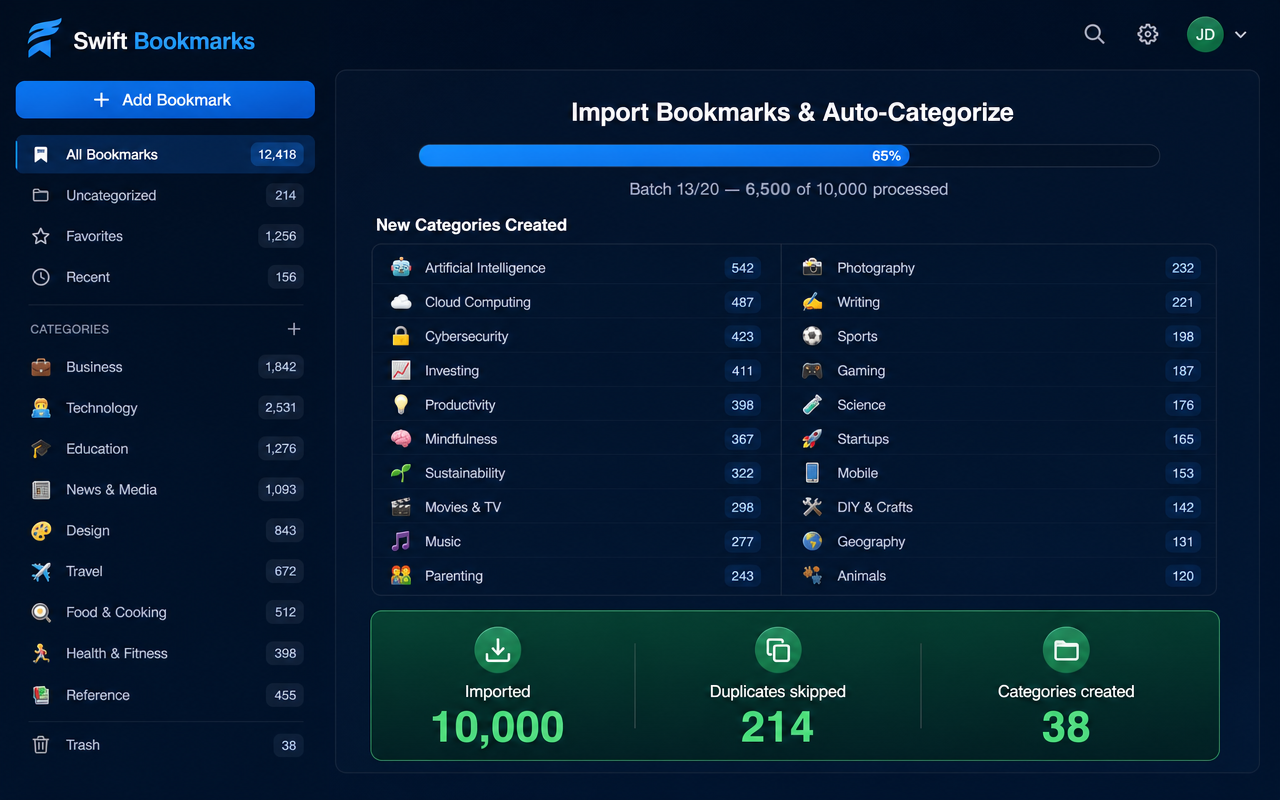
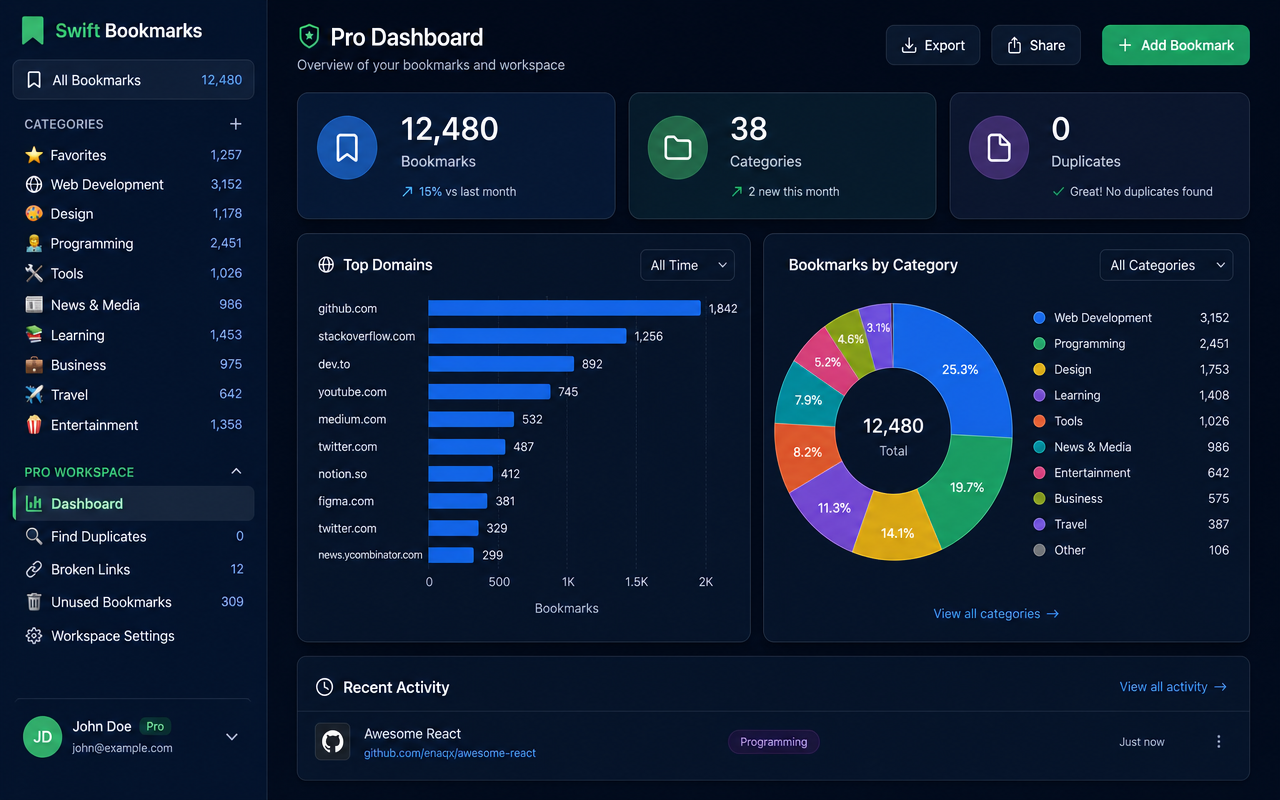
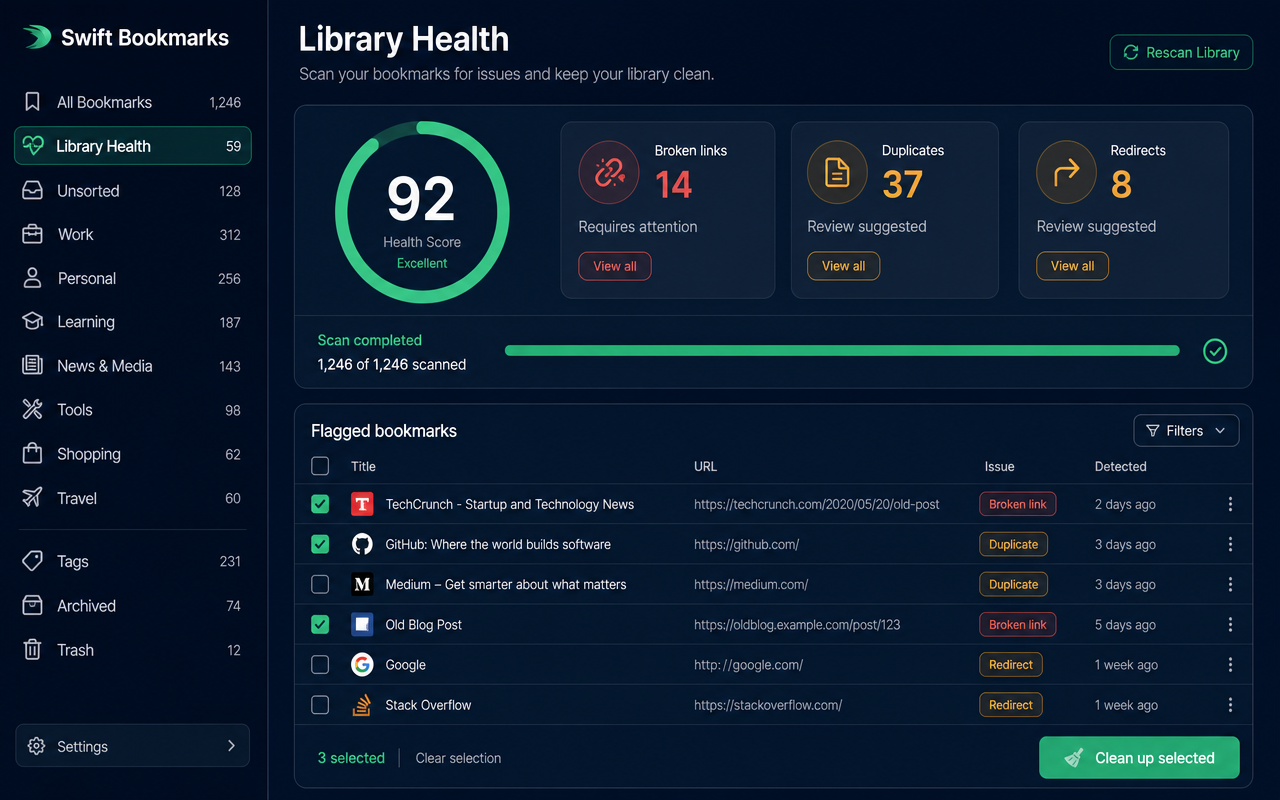
AI Bookmark Organizer with Voice Search turns a messy bookmark bar into an organized, searchable library. WHAT IT DOES • Batched import — bring in 10,000+ bookmarks in safe batches of 500 with live progress and no browser freeze. • Auto-categorization — bookmarks are sorted into color-coded categories and subcategories with decorative icons. • Fast search — instant filtering across titles, URLs and domains, plus hands-free voice search. • Hover previews — see a small thumbnail of any bookmark before you click. • Library Health — one-click broken-link and duplicate scanner with bulk cleanup. • Backup & Restore — export and re-import your whole library as Netscape HTML or JSON. Free for everyone. FREE VS PRO Free includes up to 40 imported bookmarks and full backup/restore. Pro unlocks truly unlimited imports, the Pro dashboard, AI semantic search, advanced filters and custom category icons and colors. PRICING $5 / month, $37 / year, or $97 one-time lifetime access. Every plan includes free support. PRIVACY Your bookmarks stay on your device in Chrome's local storage. We do not sell or share your data. Full policy: https://bookmarkswift.app/privacy
Permission justifications
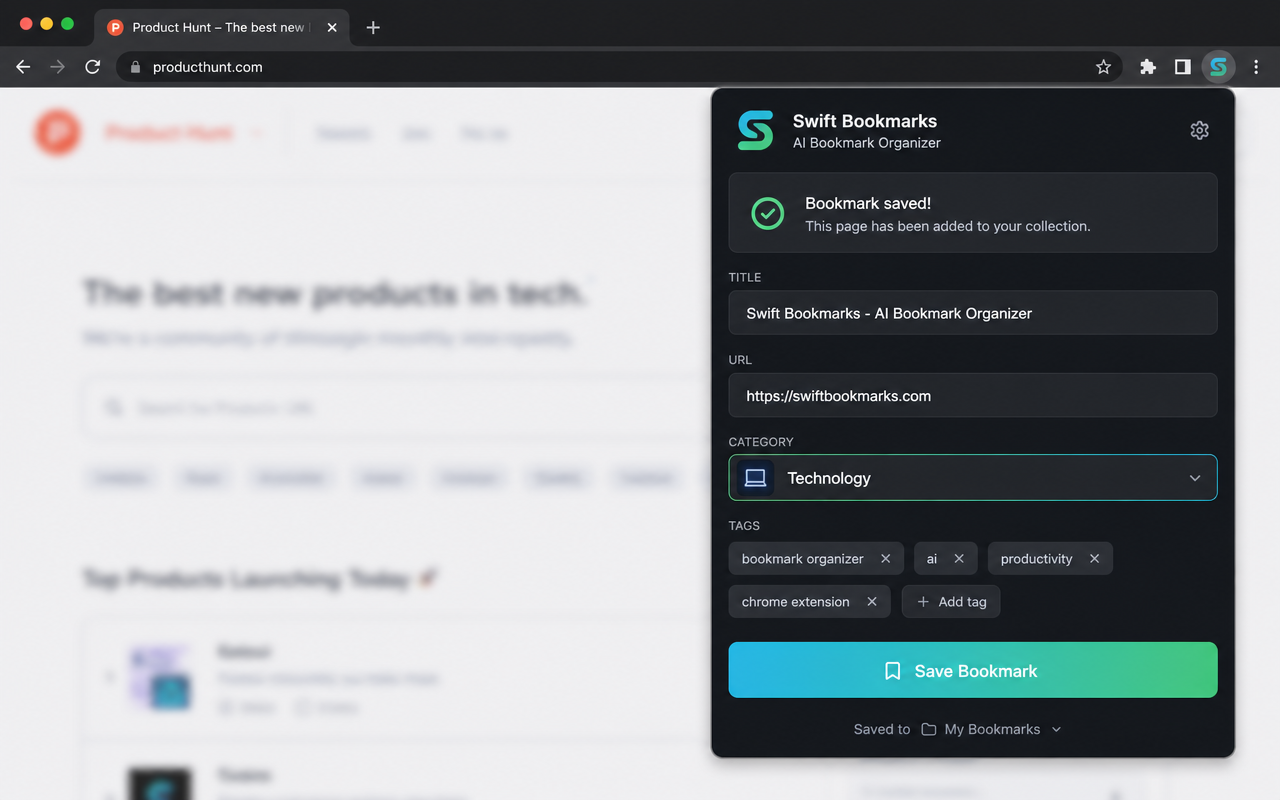
Required to read your existing Chrome bookmarks during import and to save new bookmarks you create from the popup. Bookmark data is never transmitted off-device.
Stores your organized library, categories, colors and preferences locally with chrome.storage.local.
Reads the title and URL of the tab you are on, only when you click the toolbar icon to save the current page.
Requested only when you opt in from inside the extension, to build the automatic 🔥 Most Visited and 🕘 Recently Visited category tabs from your 10 most-visited and 10 last-visited sites. History entries are read locally on your device, are never uploaded, and access can be declined or revoked at any time without affecting the rest of the extension.
Host access to ExtensionPay is required to securely communicate with ExtensionPay for subscription and payment-related functionality provided by the extension.
No remote code is executed. All executable code is bundled in the uploaded package. The extension only makes HTTPS API calls to its own service and payment provider, and loads remote webpage thumbnail images for preview purposes.
Store assets
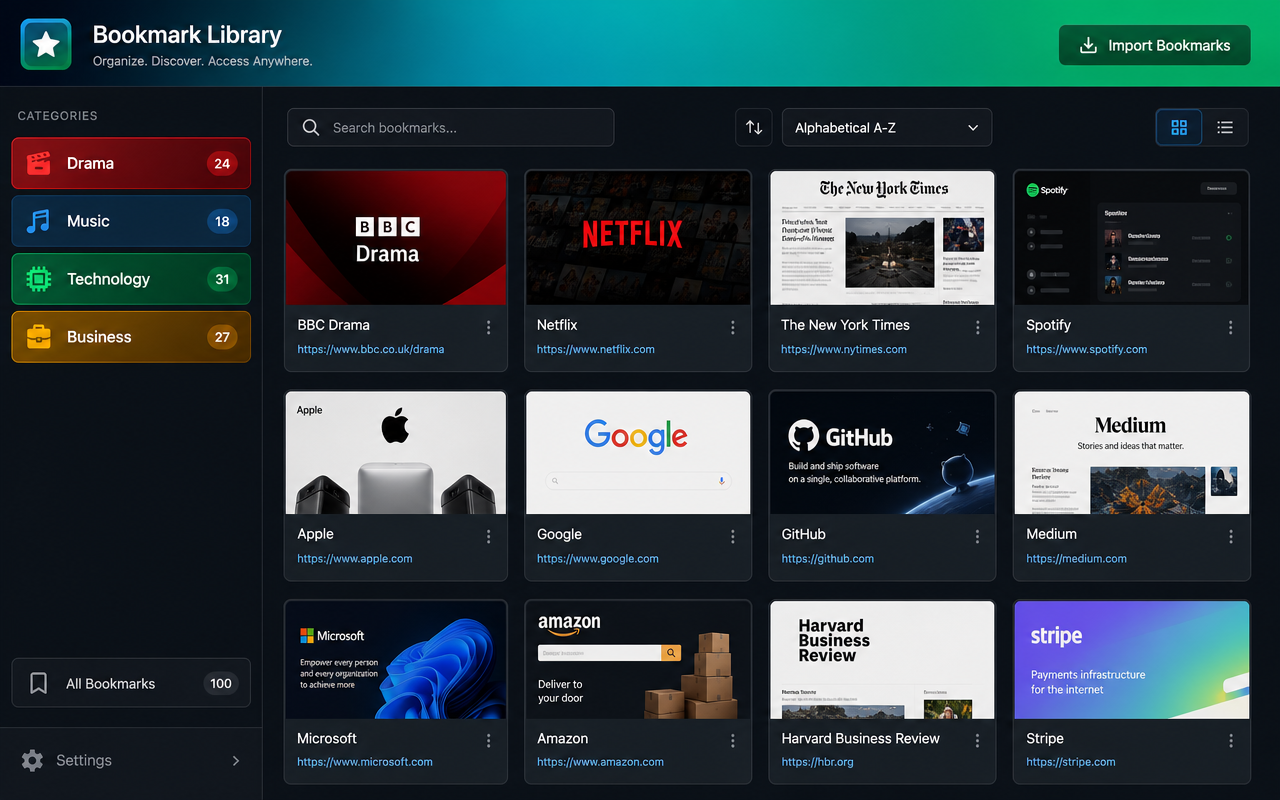
Screenshots are 1280×800 and the promo tile is 1024×640 — both sizes the store accepts.

Live payment links
Each link opens the secure Stripe checkout on bookmarkswift.app with the plan preselected. The same links are used by the extension's Upgrade button. Free plan includes 40 imported bookmarks; every paid plan includes free support.
Monthly
Unlock unlimited bookmarks and every Pro tool.
Pay $5https://bookmarkswift.app/checkout?plan=pro_monthly
Yearly
Save 38% with yearly billing. All Pro features included.
Pay $37https://bookmarkswift.app/checkout?plan=pro_yearly
Lifetime
Pay once, keep Pro forever — including future updates.
Pay $97https://bookmarkswift.app/checkout?plan=pro_lifetime
Publishing steps
- 1. Sign in at chrome.google.com/webstore/devconsole with the Infinity Market LLC developer account.
- 2. Open item
dmgadgobcngbmjgoihdnipkilbggbfkf(or create a new item) and uploadswift-bookmarks-cws-1.2.1.zip. - 3. Fill the Store listing tab using the copy fields above and upload the screenshots and promo tile.
- 4. On the Privacy tab, paste the single-purpose statement, the four permission justifications, and the privacy policy URL, then confirm the data-use certifications.
- 5. On the Distribution tab choose Public, all regions, then Submit for review. Reviews usually finish within a few business days.
Install manually while review is pending
- 1. Download the developer-mode ZIP and unzip it.
- 2. Open
chrome://extensionsand enable Developer mode. - 3. Click Load unpacked and select the folder that directly contains
manifest.json.